Configure the Enterprise App Catalog
The enterprise app catalog lets admins publish a set of apps that their end users can download through the KACE Cloud Connect app.
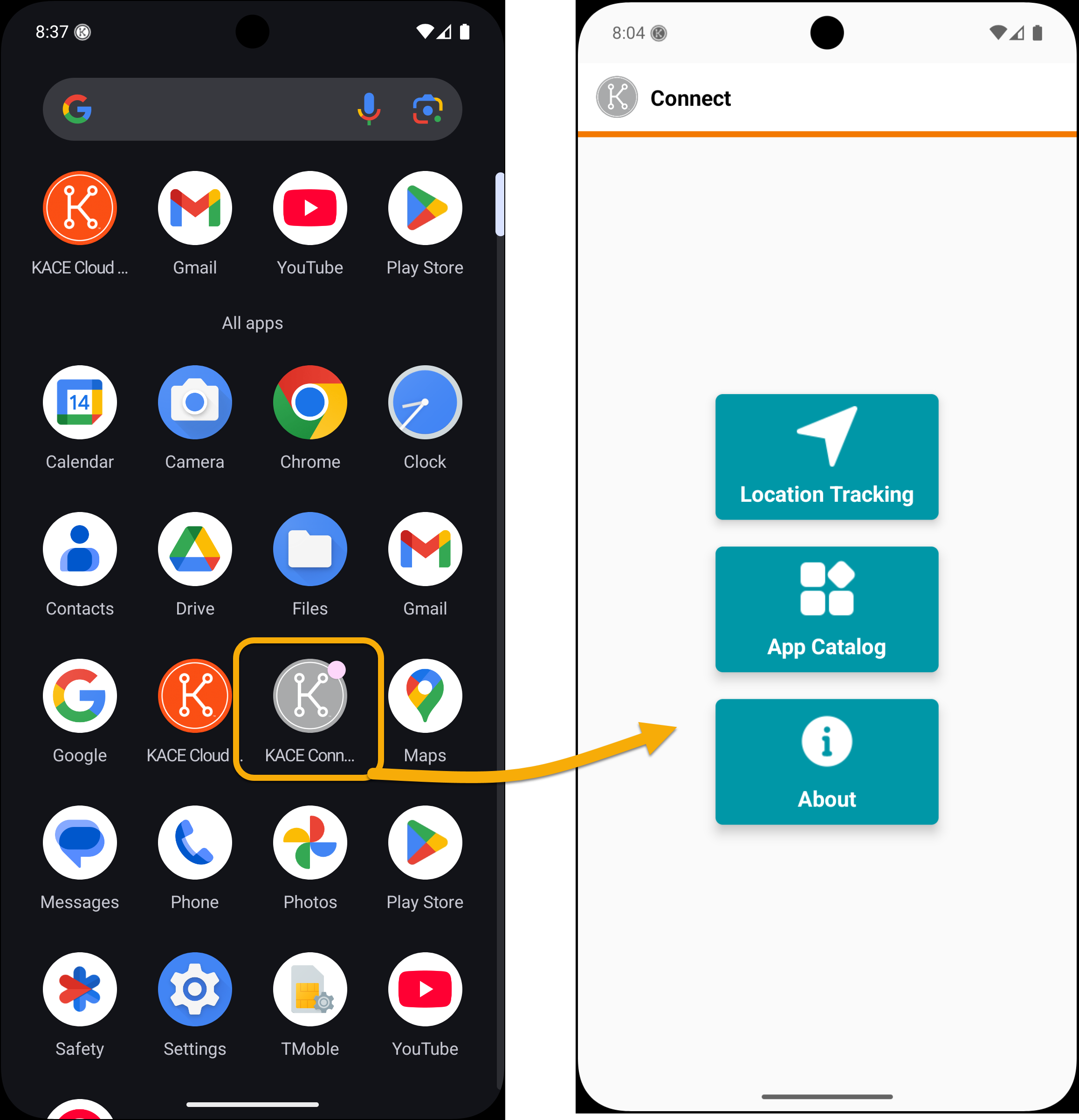
To enable self-service app installation for your end users:
- Go to Libraries > Apps.
- Select app(s).
- Click Save.
- Scroll down and check ‘Publish in app catalog’.
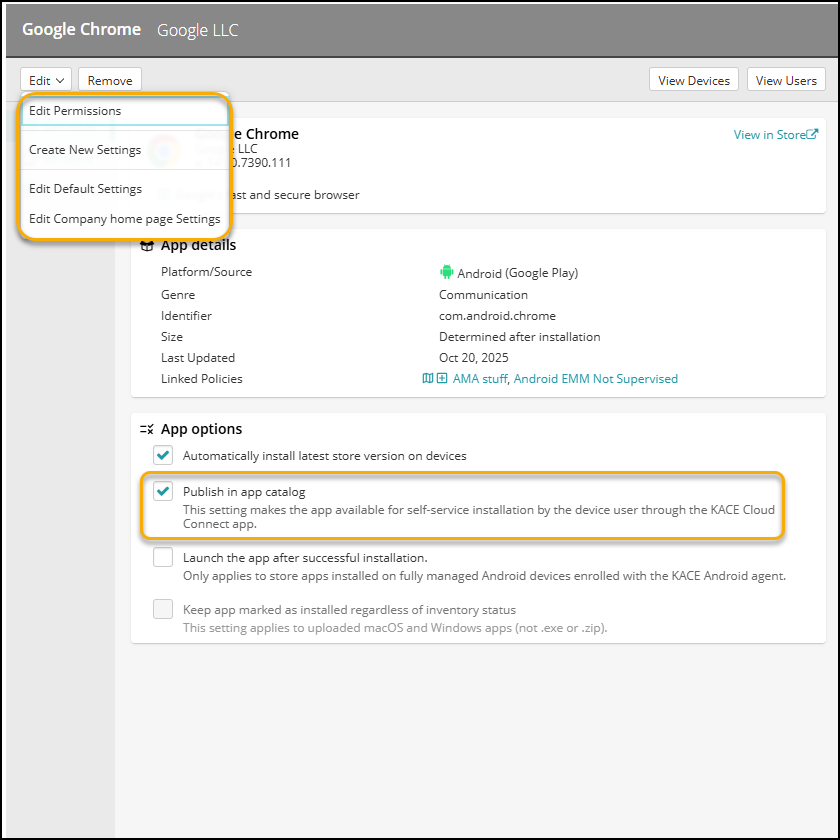
An admin can create settings for all apps in the catalog. Some apps may have specific configurations available, in which case, an end user will be able to choose from multiple app configurations on their device.
.png)
The KACE Connect App Catalog is sectioned alphabetically. The catalog app uses the same icons used in KACE Cloud. For example, the orange K logo that indicates an app is already installed, and the blue down arrow that indicates an app is in the process of being downloaded.
_382x865.png)